

It is possible to change the accessibility button shape/or icon. All you need to do is follow the steps below:
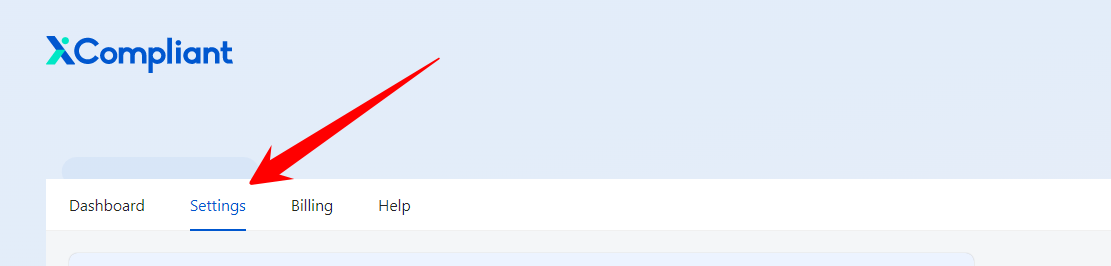
Go to Settings.
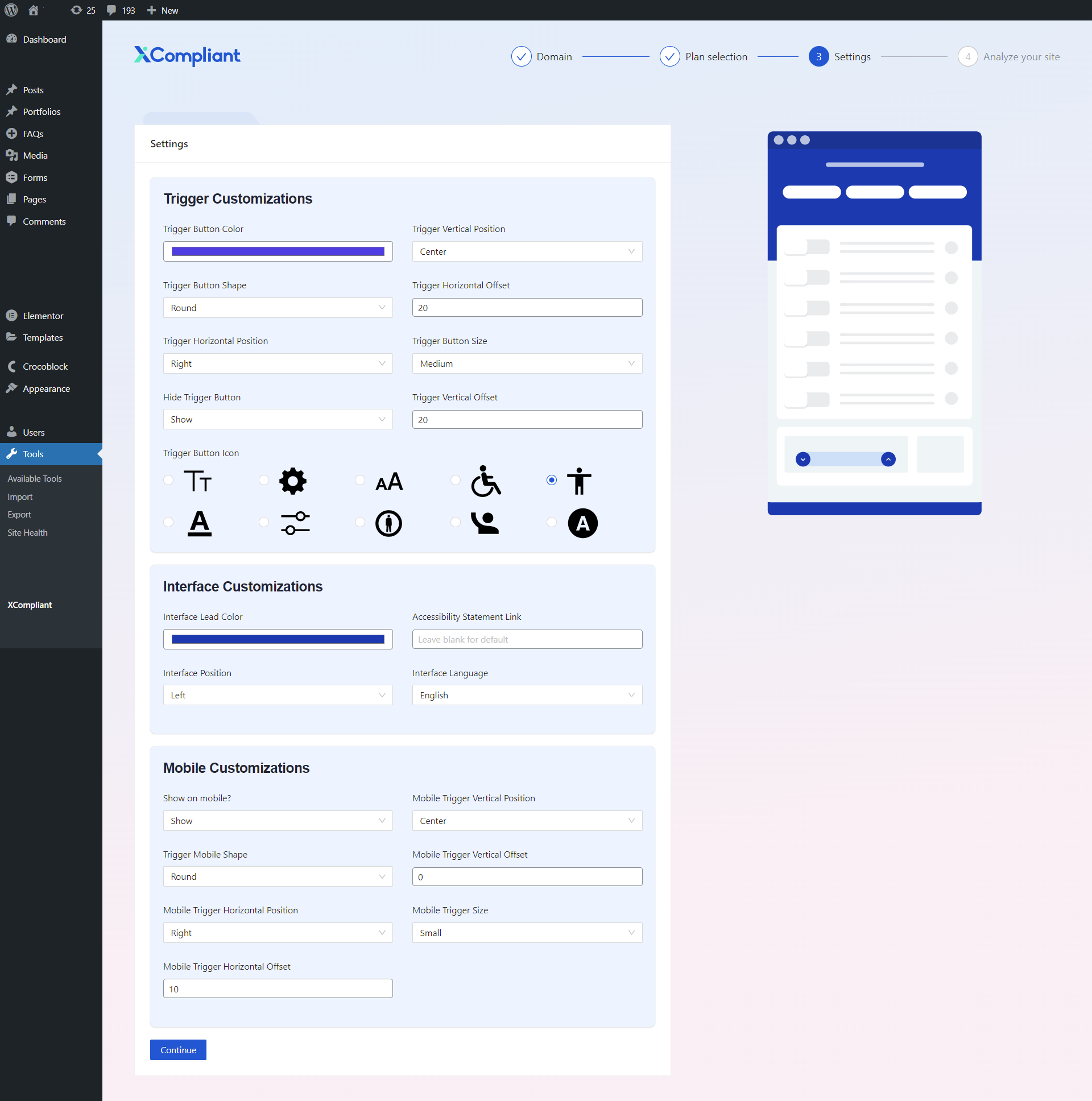
2. Go to Trigger Customizations to edit the buttons and icons.
Keywords:
How can I change the shape or icon of the accessibility button?
Where can I find the settings to customize the accessibility button's shape or icon?
What are the steps to change the accessibility button shape or icon?